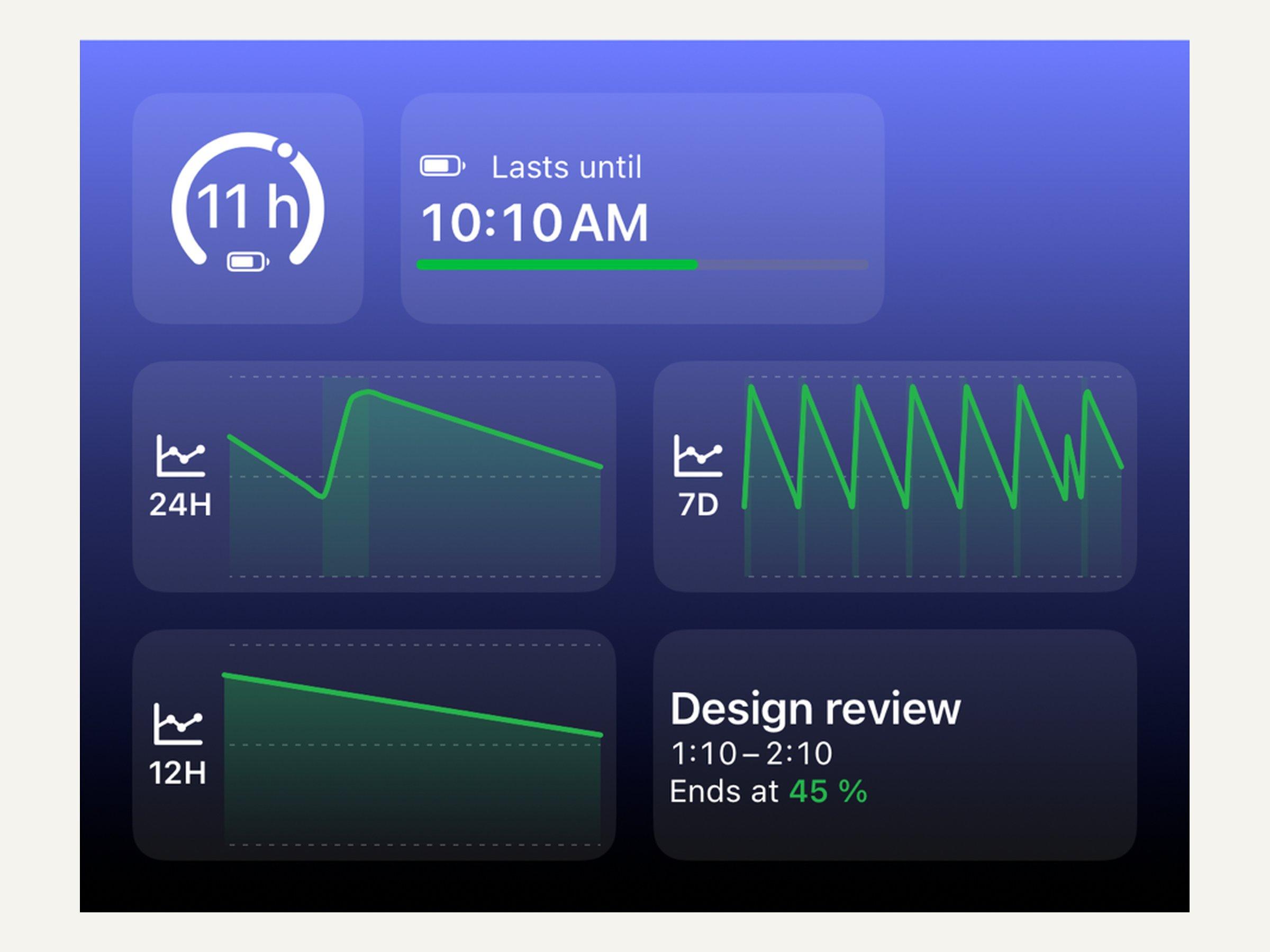
What's new in 4.2
New widgets show when your battery runs out, how your day went and what's left after your next meeting, right on your Home Screen and Lock Screen. The Batteries card now shows your AirPods and other accessories too, and your Apple Watch level is exact, even while it charges.
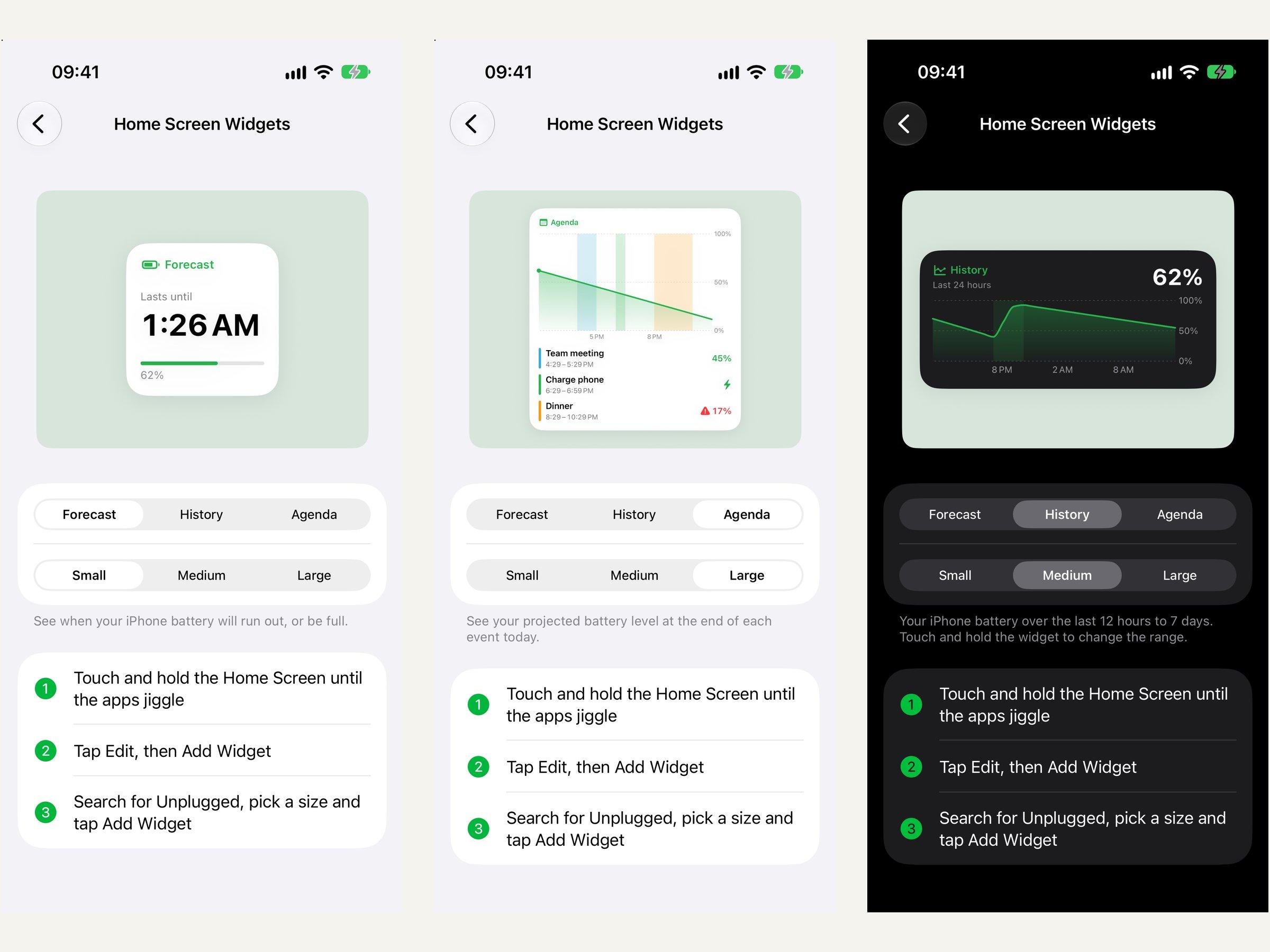
- Widgets — Forecast, history and agenda for your Home Screen and Lock Screen, from small to extra large (Premium).
- Batteries — AirPods, Apple Pencil, keyboards and other accessories, next to your iPhone and Watch (Premium).
- Apple Watch on iPhone — Its battery is exact to 1% and shows charging right away (Premium).
- Better forecast — More accurate time-to-full and low-battery estimates.
- Widget guide — A step-by-step guide in Settings, and iPhone-only users can set up widgets right from onboarding.
- Fixes — No more duplicate charge reminders after using a notification action, Watch Refresh always fetches a new reading, and battery icons no longer show grey fills on iOS 27.2.